
Day 18 : Mastering Docker Compose: A Comprehensive Guide for DevOps Engineers 🚀
"I'm a 3rd-year Computer Engineering student at Marwadi University with skills in C++, web development (MERN stack), and DevOps tools like Kubernetes. I contribute to open-source projects and share tech knowledge on GitHub and LinkedIn. I'm learning cloud technologies and app deployment. As an Internshala Student Partner, I help others find jobs and courses." now currently focusing on #90DaysOfDevops
Till now you have created a Dockerfile and pushed it to the repository. Let's move forward and dig deeper into other Docker concepts. Today, let's study Docker Compose! 😃
Docker Compose
Docker Compose is a tool that was developed to help define and share multi-container applications.
With Compose, we can create a YAML file to define the services and, with a single command, spin everything up or tear it all down.
Learn more about Docker Compose here.
What is YAML?
YAML is a data serialization language that is often used for writing configuration files. Depending on whom you ask, YAML stands for "Yet Another Markup Language" or "YAML Ain’t Markup Language" (a recursive acronym), which emphasizes that YAML is for data, not documents.
YAML is a popular programming language because it is human-readable and easy to understand.
YAML files use a .yml or .yaml extension.
Read more about it here.
Task 1
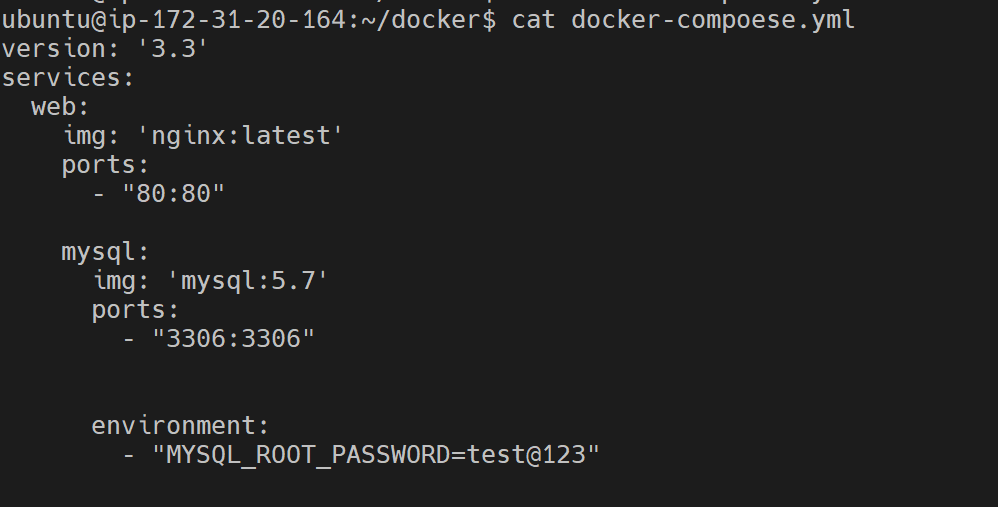
Learn how to use the docker-compose.yml file to set up the environment, configure the services and links between different containers, and also to use environment variables in the docker-compose.yml file.
Sample docker-compose.yml file
Task 2
Pull a pre-existing Docker image from a public repository (e.g. Docker Hub) and run it on your local machine. Run the container as a non-root user (Hint: Use the
usermodcommand to give the user permission to Docker). Make sure you reboot the instance after giving permission to the user.Inspect the container's running processes and exposed ports using the
docker inspectcommand.Use the
docker logscommand to view the container's log output.Use the
docker stopanddocker startcommands to stop and start the container.Use the
docker rmcommand to remove the container when you're done.
- Pulling a pre-existing Docker image from a public repository.
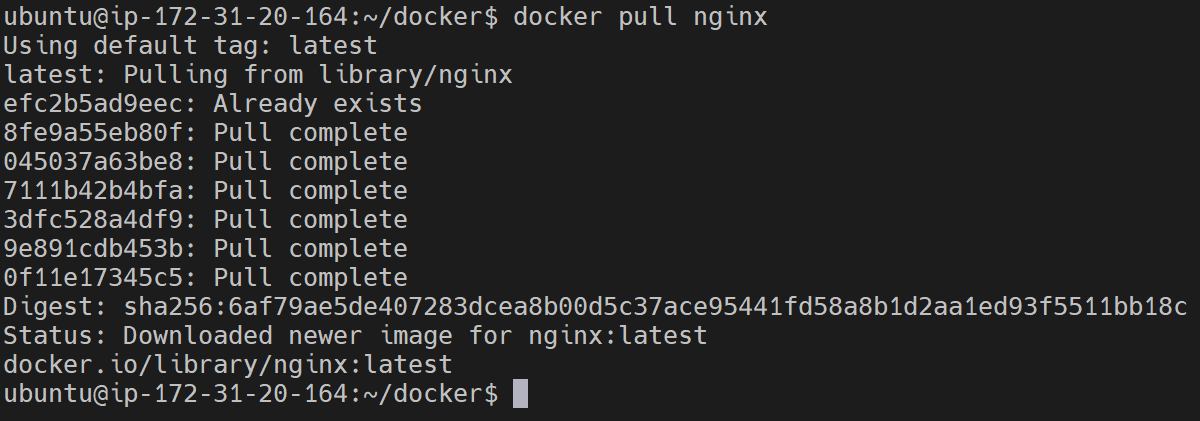
- Running it on your local machine.

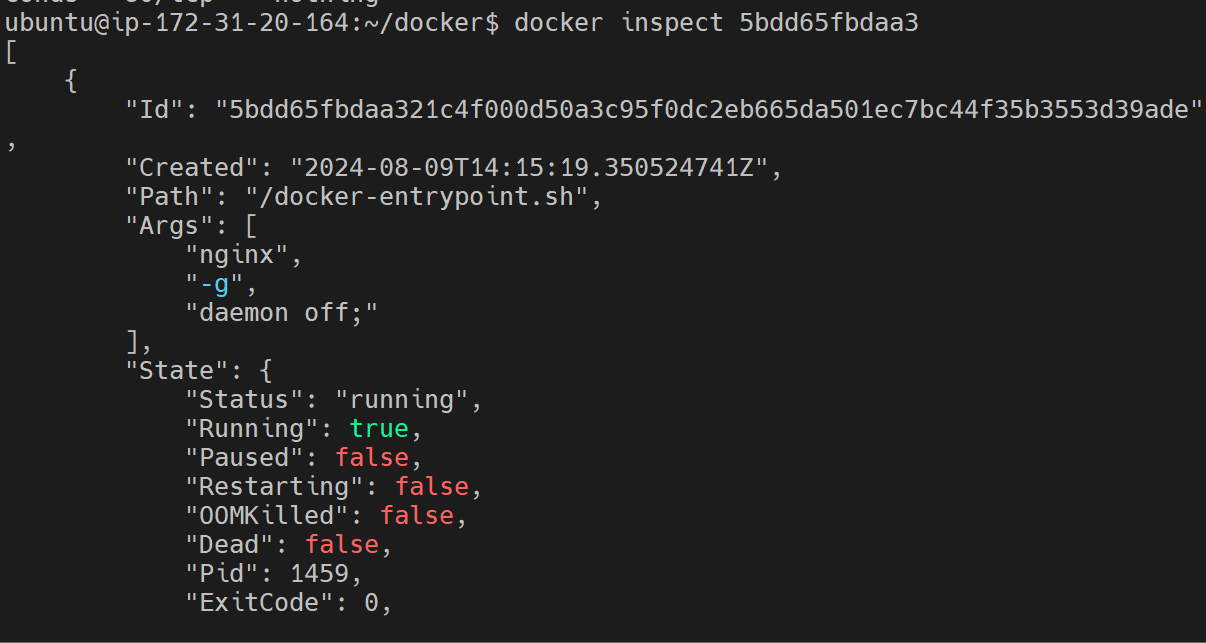
- Inspect the container's running processes and exposed ports using the
docker inspectcommand.

- Use the
docker logscommand to view the container's log output.
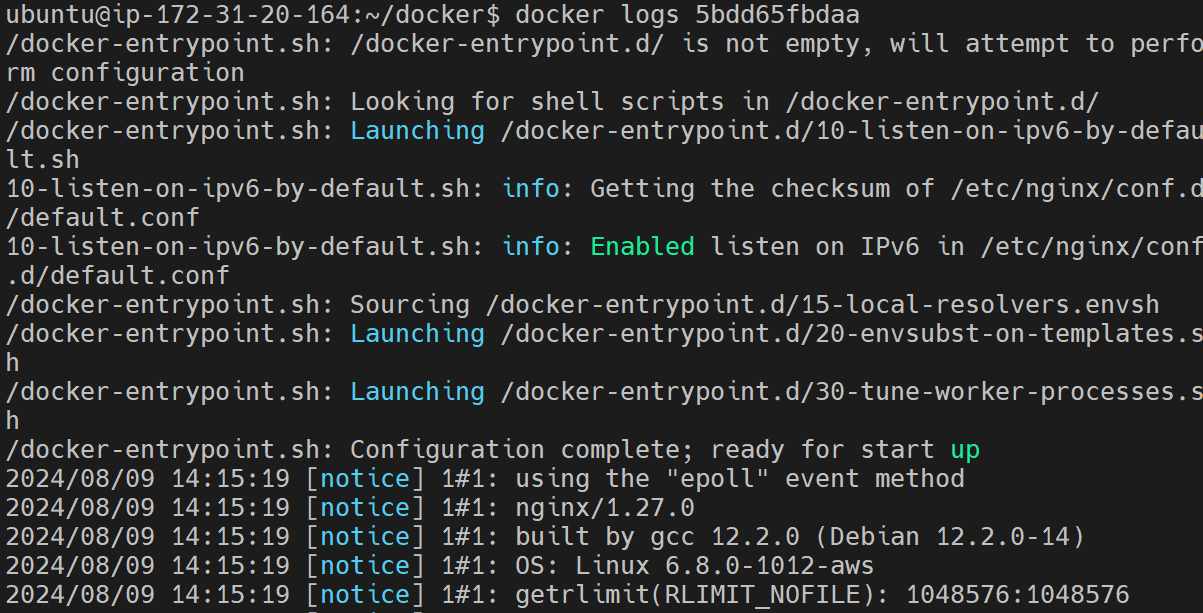
- Use the
docker stopanddocker startcommands to stop and start the container.




- Use the
docker rmcommand to remove the container when you're done.

How to Run Docker Commands Without Sudo?
Make sure Docker is installed and the system is updated (This was already completed as part of previous tasks):
sudo usermod -a -G docker $USERReboot the machine.
Thank you for reading!
© 2024 Anand Raval. All rights reserved.


